
Planning & Execution
Put a clear strategy to work across the whole brief.
Move from audience and offer to campaigns and assets without asking every tool to rediscover why the work exists.
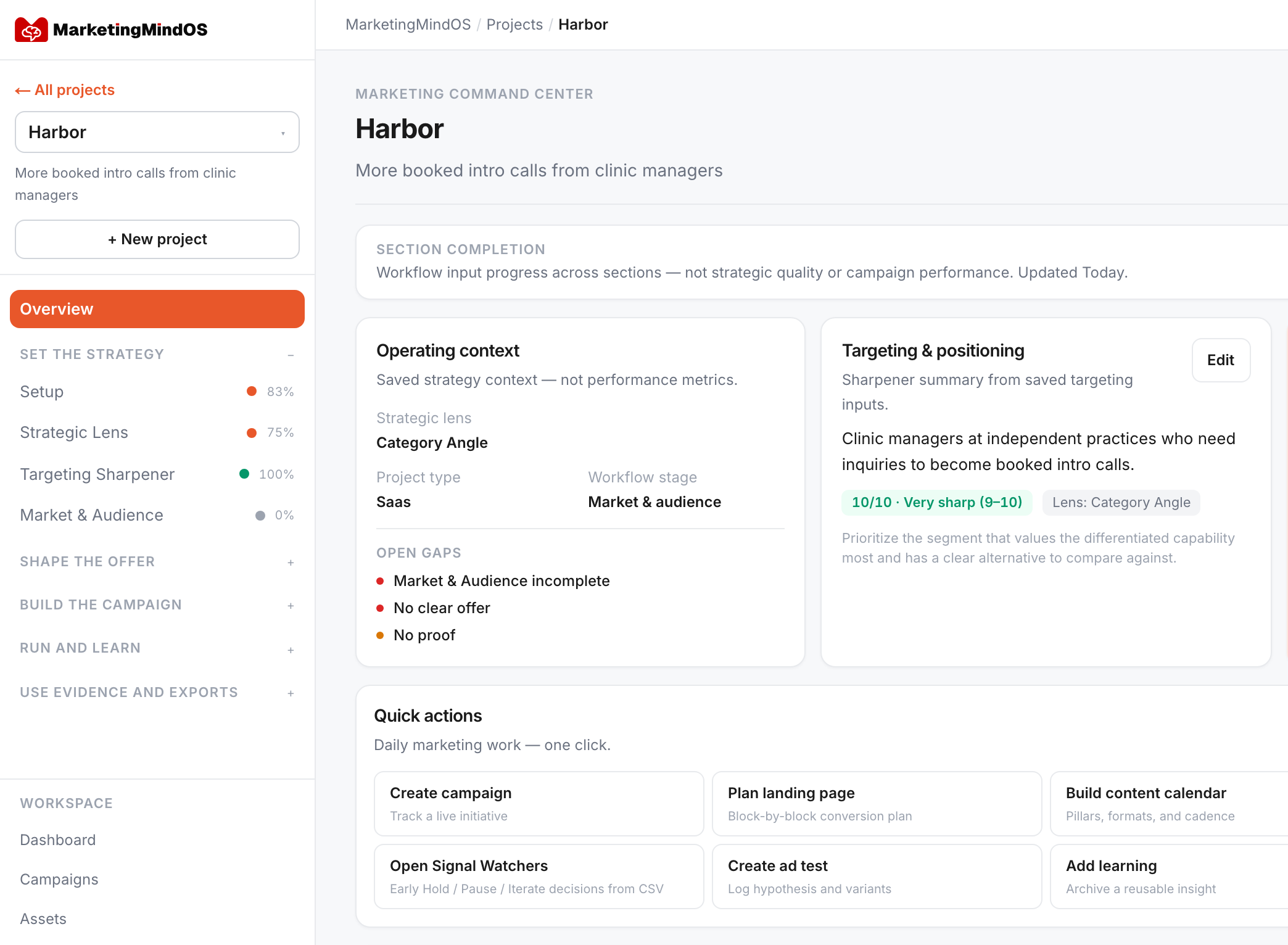
Strategy into work
One project context. A connected set of planning decisions.
Execution begins with a clear reason for the work. Keep the audience, offer, positioning, and objective close as you build a practical plan.

Guidance along the way
Work through planners that stay attached to the brief.
Plan across Market & Audience, Offer, Brand Direction, Funnel, Content, Ads, Email & Outreach, Landing Pages, Campaigns, and Launch. Assist can draft section-level suggestions for review. The product does not publish or run campaigns on third-party platforms.
- Keep audience, offer, and positioning in view while you plan
- Use 25+ Assist actions inside sections, including school-aware variants
- Review, refine, and decide what to keep before anything leaves the workspace
Outputs stay connected
Eight connected outputs from the same project context.
Outputs are deliverables generated from the planners you completed, not blank chat documents. Entry unlocks Marketing Strategy Snapshot and Campaign Brief. Pro and above unlock the full library: Landing Page Blueprint, Content Plan, Ad Test Plan, Email Sequence Plan, Launch Plan, and Learnings Report.
- Planner to output chains such as Ads Planner to Ad Test Plan and Landing Page Planner to Blueprint
- Guides & Shortcuts deep-link into the modules for the job at hand
- The marketer remains the editor and decision-maker
Build the work with its reasoning still attached.
Carry project context from the first direction to the next deliverable.